
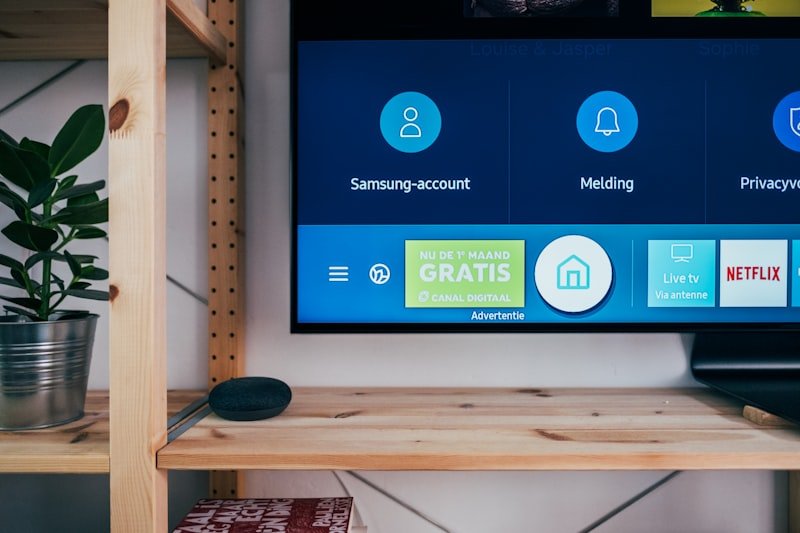

The menu interface is something users interact with constantly, so I spent extra time evaluating how the GX6605S’s on-screen UI actually holds up day to day, beyond just functionality.
Navigation is simple and fairly intuitive once you learn the layout, with quick access to channel lists, signal info, and basic settings from a single home screen. Menu transitions are snappy, with no noticeable lag even on lower-end boards, which is a credit to how lightweight the firmware is overall.
Visually, it’s dated — flat colors, basic fonts, and minimal animation compared to interfaces on pricier Android-based receivers. Some custom firmware builds add skinning options that improve this somewhat, but it’s clearly not a priority for most GX6605S software.
Where the UI does fall short is discoverability: several useful features (engineering menu, hidden diagnostics, advanced PowerVu settings) are tucked away behind undocumented button combinations rather than being exposed in the main menu.
Verdict: Functional and responsive, but visually basic and not always intuitive for finding advanced features — expect to consult a forum guide at some point.


Discussion