
Assalam-o-Alaikum Friends!
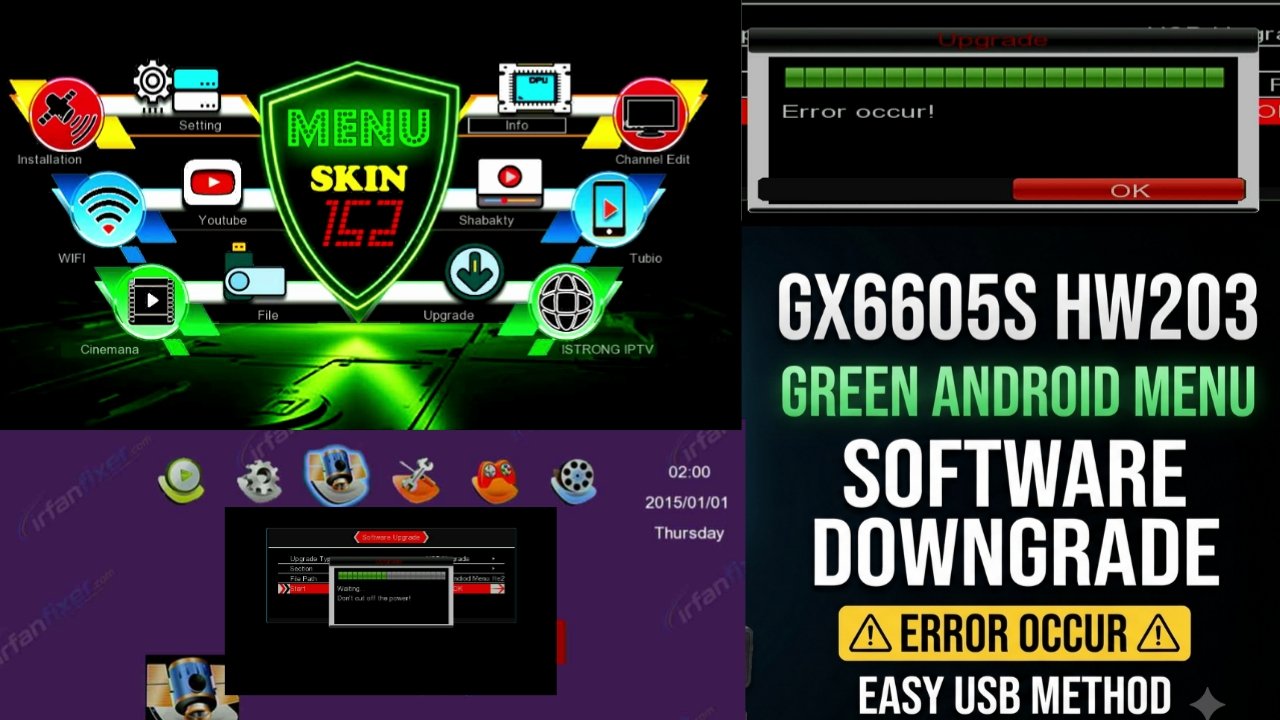
I am sharing with you GX6605S HW203 Green Android Menu Software Downgrade.
If your receiver already has the Green Android Menu software installed and you want to upgrade it, but you cannot find the required downgrade software and you are getting an “ERROR OCCUR!” error, then this post is for you.
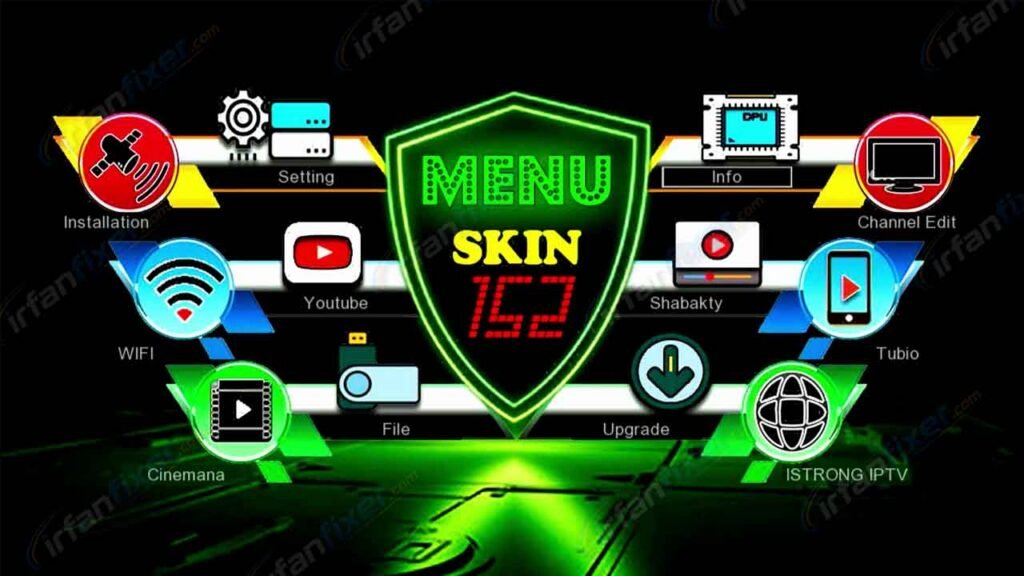
📌 ERROR OCCUR! Error Solution
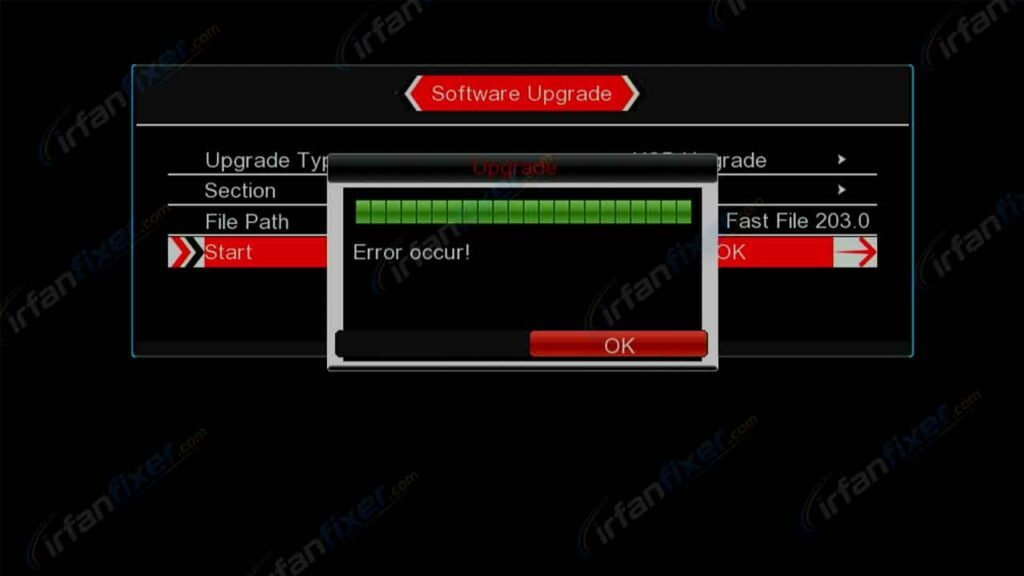
If you are facing the ERROR OCCUR problem while upgrading your receiver, first download and install the GX6605S HW203 Downgrade Software provided in this post.
HW203 Green Android Menu Downgrade
- Download the GX6605S HW203 Downgrade Software.
- Copy the software file to a properly formatted USB flash drive.
- Connect the USB drive to your receiver.
- Open the Upgrade / Software Upgrade section.
- Select ALL or the appropriate USB software option.
- Select the software file from the USB.
- Press OK to start the installation.
- Wait until the software installation is completed.
- After installation, the receiver will reboot automatically
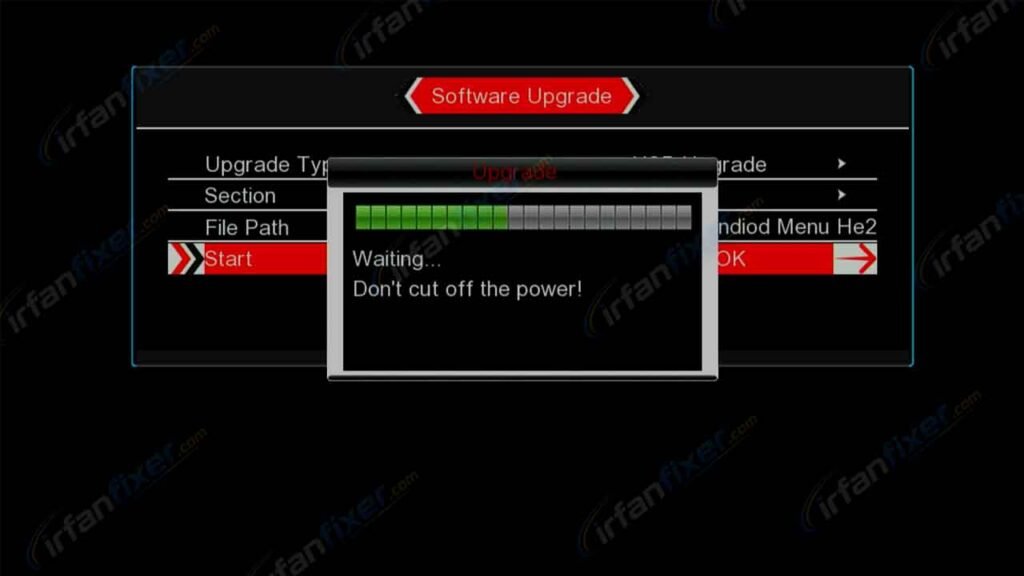
After successfully installing the downgrade software, you can proceed with the required software upgrade.
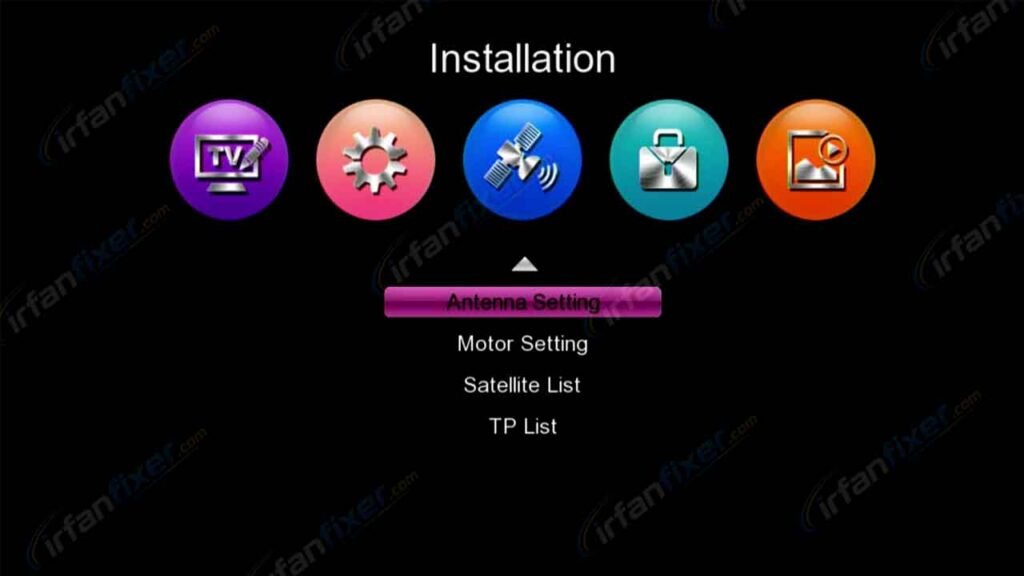
After successful installation, the receiver will reboot and the new software will be ready.
🔄 Step 2: Install Fast File Software
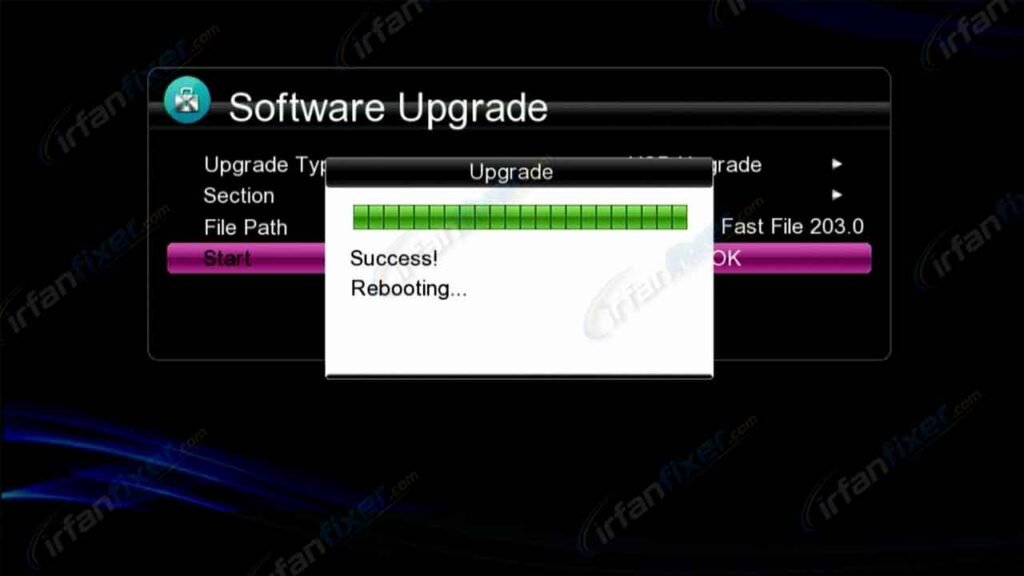
After successfully installing the Downgrade Software, go to the Upgrade Section again.
- Select the 1Fast File Software from your USB drive.
- Press OK to start the installation.
- Wait until the Fast File Software installation is completed successfully.
- The receiver will reboot automatically after installation.
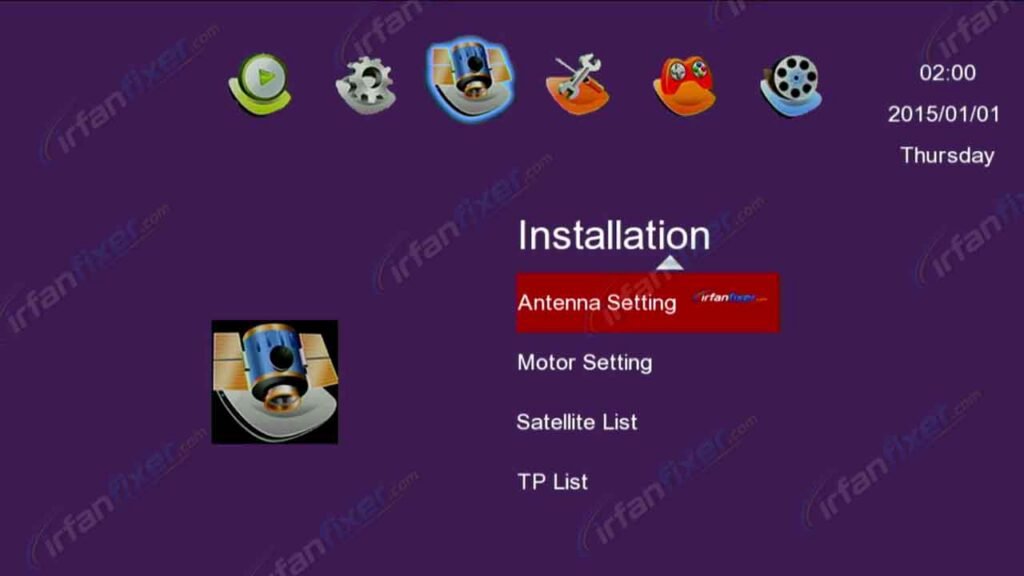
Once the Fast File Software has been installed successfully, you can install any other compatible software of your choice.
️ Important: Always use software that is compatible with your exact GX6605S HW303 receiver. Do not interrupt the installation process or switch off the receiver during software updating.
📥 Download Links
Please visit our website and like this post before downloading the software.
🌐 Visit Website❤️ 0 Likes
Like the post to unlock the download.
Thanks for visiting our website. Keep visiting for more GX6605S software, firmware updates, and receiver solutions.

Discussion