
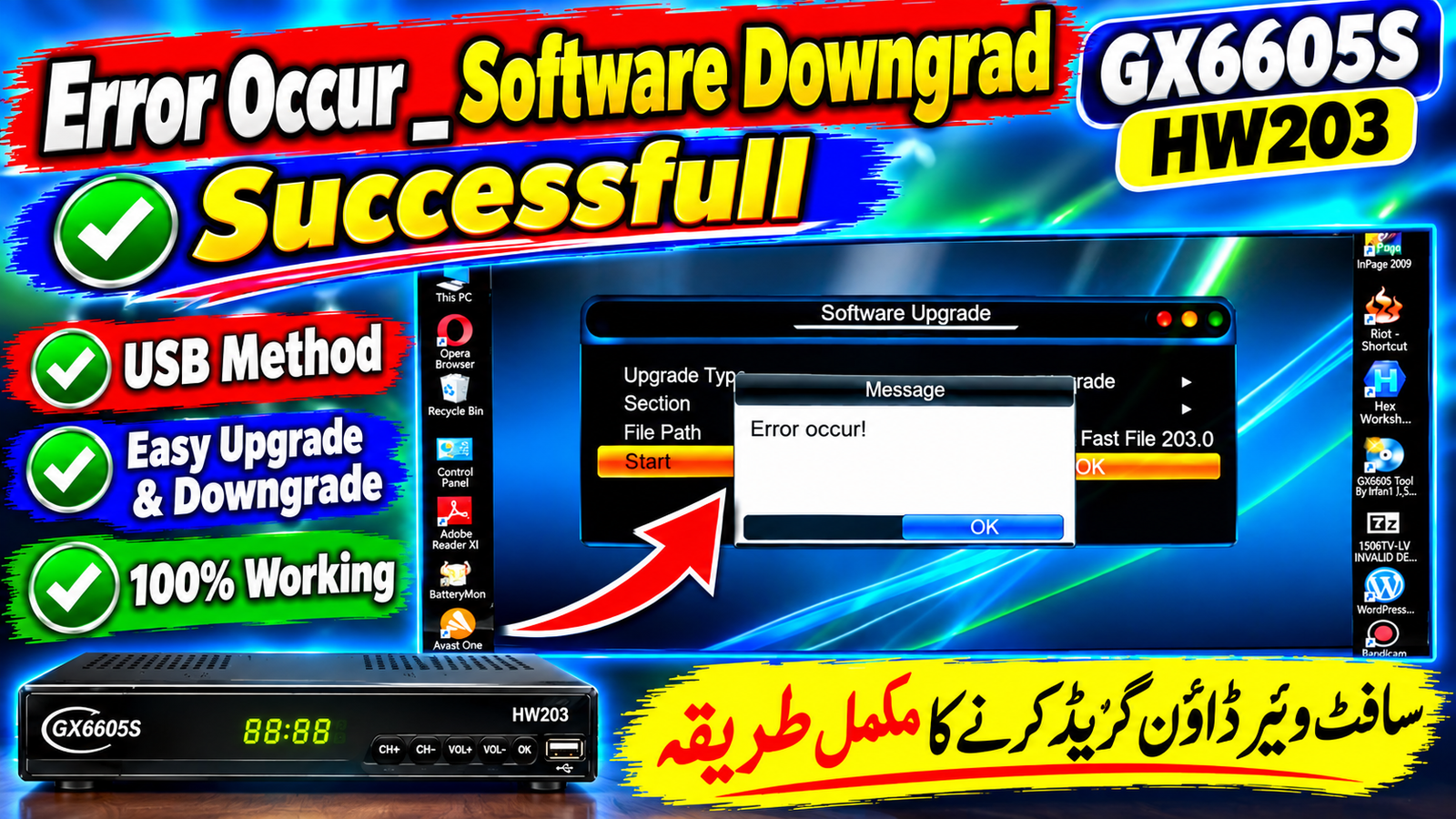
If your GX6605S HW203 receiver is showing an “Error occur!” message during a software operation, the problem may be related to software compatibility or an incorrect firmware version.
In this guide, we explain a practical method for checking the receiver software and performing a software downgrade through USB when a compatible previous version is required.
GX6605S HW203 Error Occur Problem
The GX6605S HW203 platform is used in different satellite receiver models. Although firmware files may look similar, the hardware version and software compatibility should always be checked before installing a file.
The following points should be checked:
Receiver hardware version
Current software version
Firmware file compatibility
Correct USB file
USB flash drive condition
Upgrade or downgrade mode
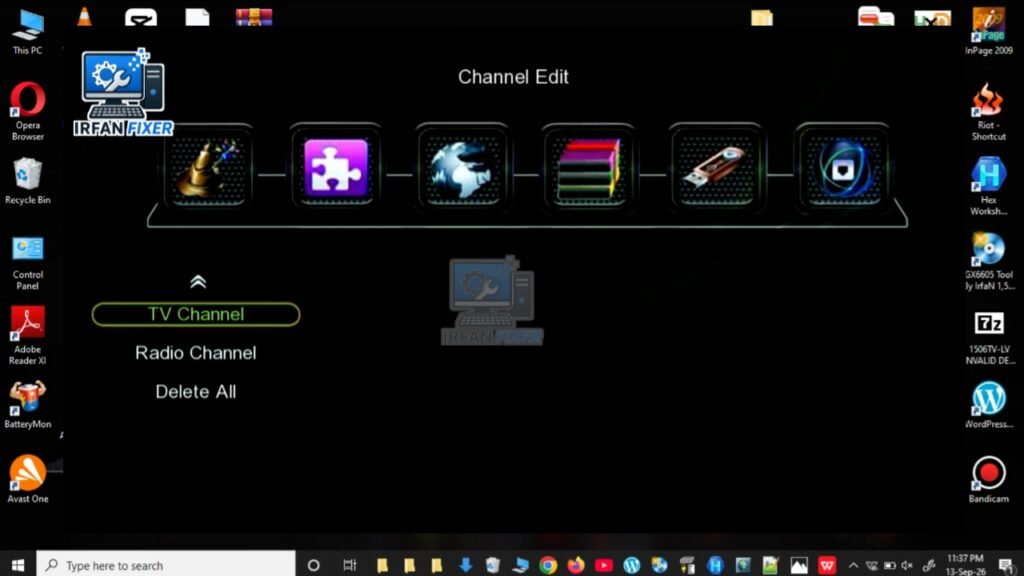
Software Downgrade Method
Before starting the downgrade process, keep a compatible firmware file ready and make sure the receiver has a stable power supply.
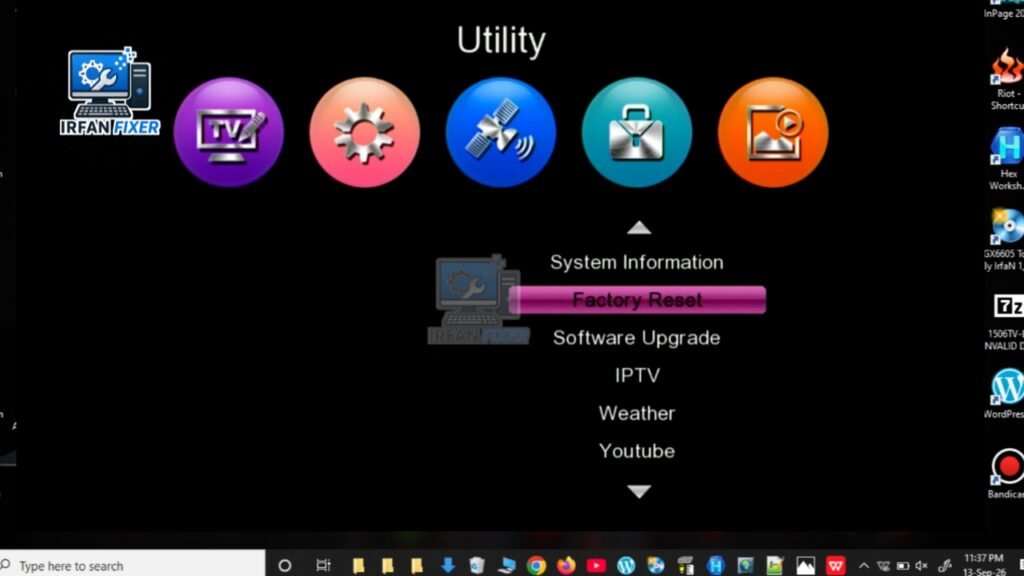
Step 1 — Check Receiver Information
Open the receiver’s system information page and check the hardware and software details.
Step 2 — Prepare the USB Drive
Use a reliable USB flash drive and copy the required firmware file to it.
Keep the firmware file in the appropriate location on the USB drive according to the receiver’s upgrade menu.
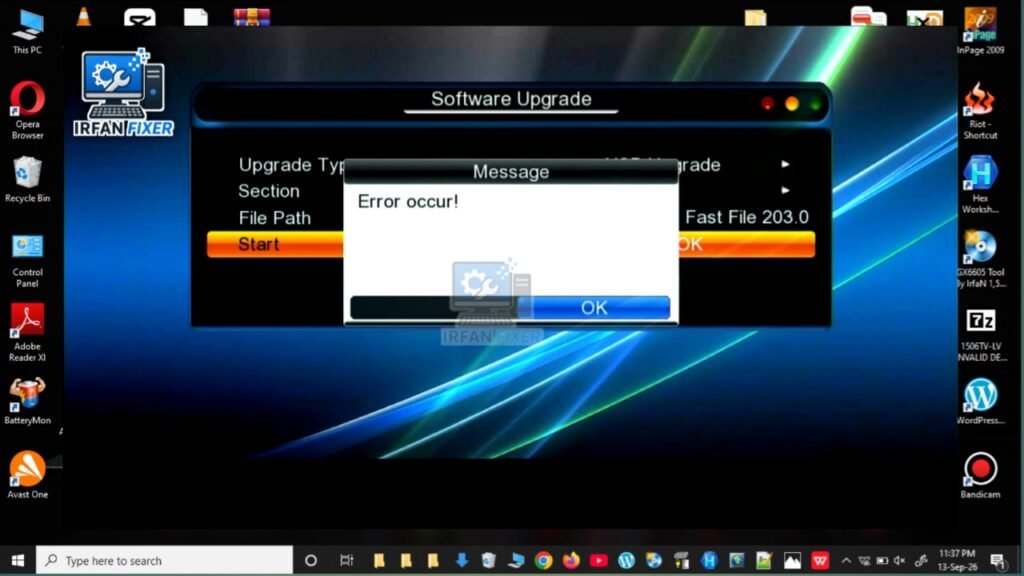
Step 3 — Open Software Upgrade
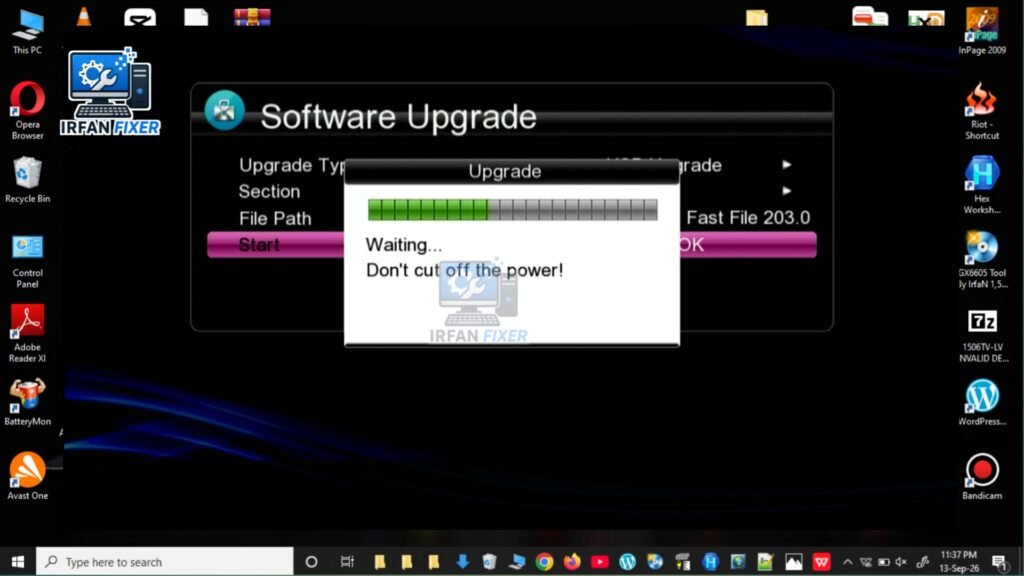
Go to the receiver’s Software Upgrade option and select the appropriate USB/software upgrade mode.
Select the firmware file and start the process.
Step 4 — Wait for the Process
During the upgrade or downgrade process:
Do not remove the USB drive.
Do not switch off the receiver.
Do not disconnect the power.
Wait until the process is completed.
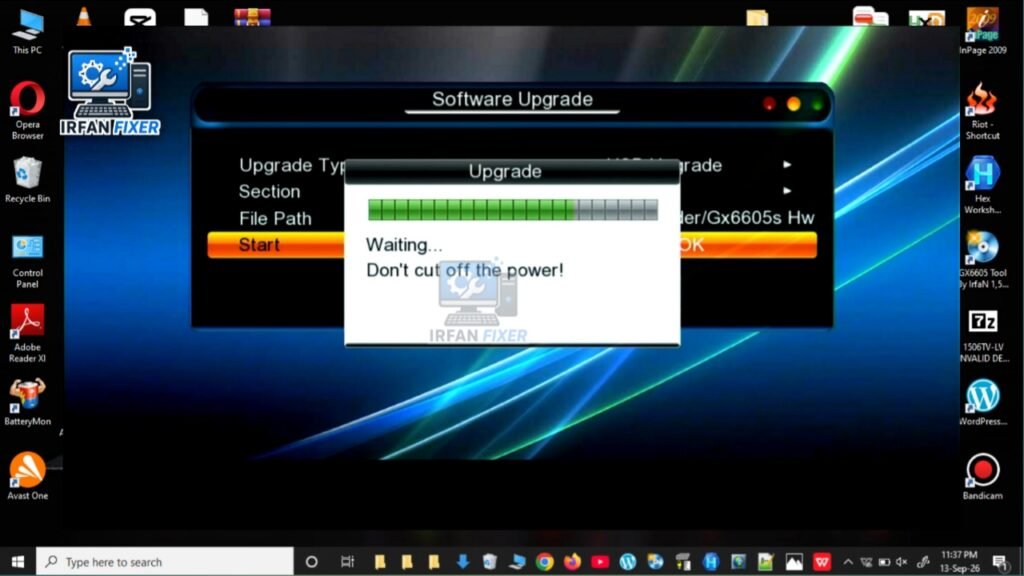
Error Occur After Selecting the Software
If the receiver displays “Error occur!”, do not repeatedly install random firmware files.
Check the following:
Is the firmware specifically compatible with GX6605S HW203?
Is the software version suitable for your receiver?
Is the USB drive working correctly?
Is the firmware file complete and undamaged?
Are you using the correct upgrade mode?
Software Downgrade Successful
After using a compatible firmware version, the receiver can be checked again from the system information menu.
If the receiver starts normally and all required functions work correctly, the downgrade process has been completed successfully.
GX6605S HW203 USB Software Tips
For a safer firmware installation, follow these basic practices:
Always keep a backup of the current software if the receiver provides that option.
Verify the HW version before installing firmware.
Use a reliable USB flash drive.
Avoid interrupting the installation process.
Do not install firmware intended for a different hardware version.
Keep the receiver connected to stable power during the process.
Watch the Complete Video Tutorial
I have also prepared a video showing the GX6605S HW203 Error Occur and Software Downgrade process step by step.
YouTube Video:
👉 [Watch the Complete Video Tutorial]
Related GX6605S Software Guides
You can also visit the related software tutorials on Irfanfixer for more information about GX6605S and HW203 receiver software.
🌐 Irfanfixer Website:
https://irfanfixer.com/�
📺 Irfanfixer YouTube:
https://www.youtube.com/@Irfanfixer�
Frequently Asked Questions
What does “Error occur!” mean on GX6605S HW203?
It can indicate that the selected software or upgrade operation could not be completed. Firmware compatibility, USB problems and software version differences are some things to check.
Can I downgrade GX6605S HW203 software?
A downgrade may be possible when the receiver supports the required firmware version and the firmware is compatible with the specific hardware.
Should I use any HW203 software?
No. Do not install firmware only because it has HW203 in its name. Check compatibility with your receiver before installation.
Why does the receiver show an error during USB upgrade?
Possible causes include an incompatible firmware file, damaged file, USB drive issue, incorrect upgrade mode, or other receiver-specific compatibility problems.
Conclusion
The GX6605S HW203 Error Occur problem should be handled carefully rather than installing random firmware files. Checking the hardware version, using a compatible software file and following the correct USB upgrade/downgrade procedure can help avoid unnecessary problems.
For more GX6605S, HW203 and receiver software tutorials, visit Irfanfixer.
Note: Firmware installation is performed at the user’s own risk. Always verify the firmware compatibility before starting the process.
SEO Meta Description
Learn how to troubleshoot GX6605S HW203 Error Occur and perform a compatible software downgrade using USB with this step-by-step guide from Irfanfixer.

Discussion