
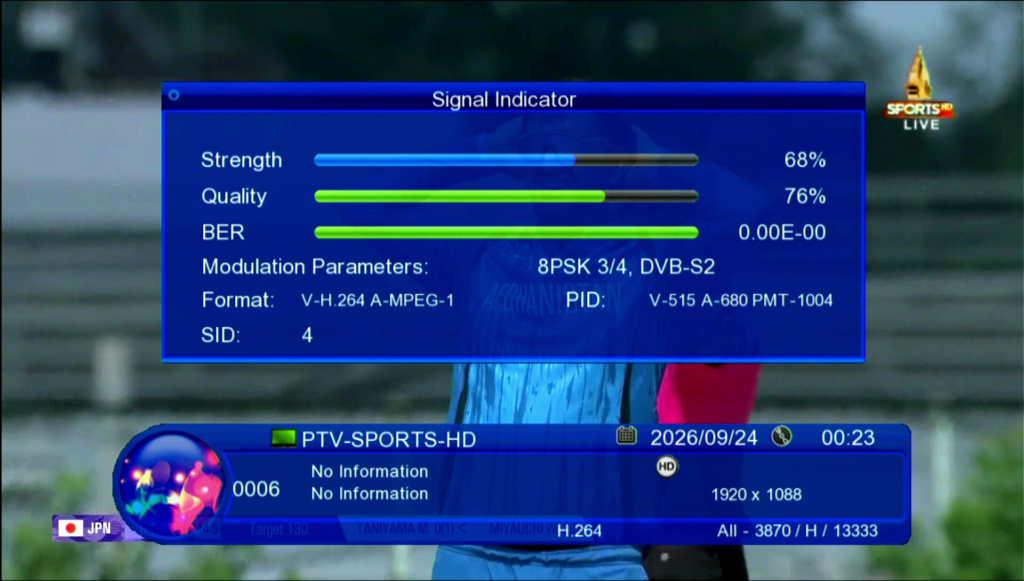
Assalam-o-Alaikum Friends!
Welcome to IrfanFixer.com. Today, we are sharing information about GX6605S HW203.00.025 PTV Sports BISS Key New Software 2026 for compatible F1/F2 satellite receivers.
This software is intended for the GX6605S receiver platform with board type GX6605S-S18069-V1. Before downloading and installing the software, please check your receiver’s hardware version and board number carefully.
In this post, you will find software details, receiver compatibility information, features, USB upgrade instructions, and important precautions.
Stay connected with IrfanFixer.com for more satellite receiver software updates and technical guides.
Software Details
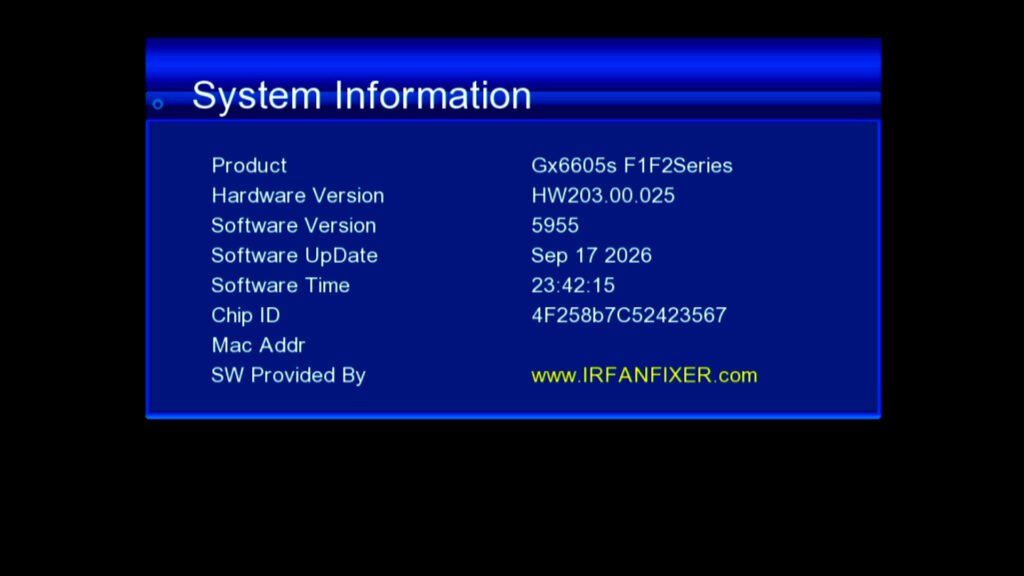
GX6605S HW203.00.025 Software Information
- Software Version: HW203.00.025
- Software Year: 2026
- Chipset: GX6605S
- Receiver Type: F1/F2
- Board Type: GX6605S-S18069-V1
- Feature: PTV Sports BISS Key-related support
- Remote Control: Compatible F1/F2 remote
- Upgrade Method: USB, if supported
- Website: IrfanFixer.com
Note: Always verify the exact hardware and firmware compatibility before upgrading your receiver.
Software Features
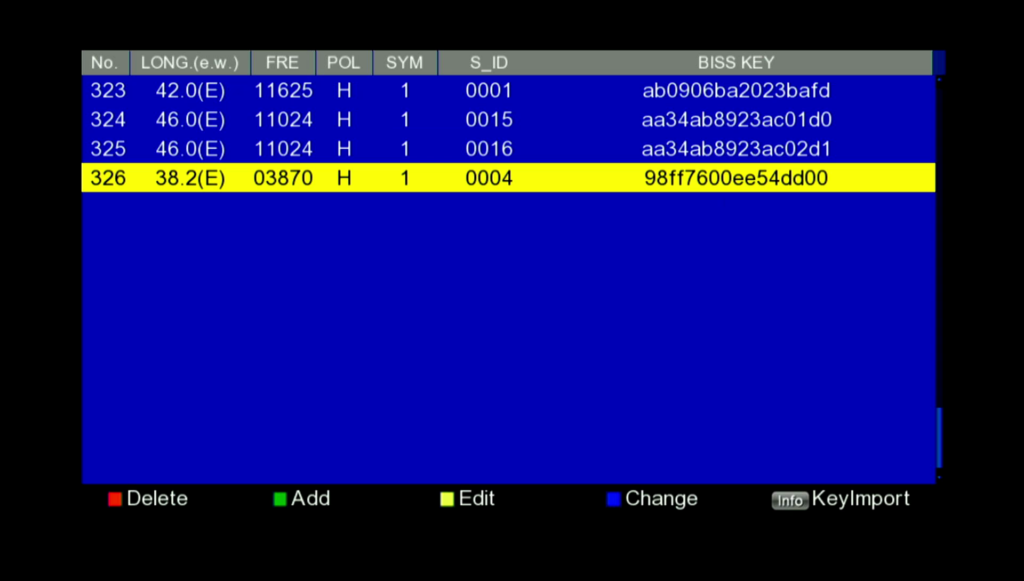
Features of GX6605S HW203.00.025 Software
1. PTV Sports BISS Key Support
This software is listed for users looking for PTV Sports BISS key-related features. Actual functionality depends on the firmware build and current channel encryption.
2. GX6605S Chipset
Designed for the specified compatible GX6605S receiver configuration.
3. F1/F2 Receiver Support
Intended for compatible F1/F2 receiver models with the supported board configuration.
4. USB Software Upgrade
A USB upgrade may be available if supported by your receiver and firmware package.
5. Receiver Software Update
The firmware may provide software changes or improvements, depending on the actual release.
Supported Receiver Board
GX6605S-S18069-V1 Board Compatibility
This software is intended for the GX6605S-S18069-V1 receiver board.
Before installing the software, open your receiver’s system information menu and confirm the board number and hardware version.
Do not install this firmware on another board type unless compatibility has been confirmed. Incorrect firmware can cause serious receiver problems or prevent the receiver from starting.
USB Upgrade Method
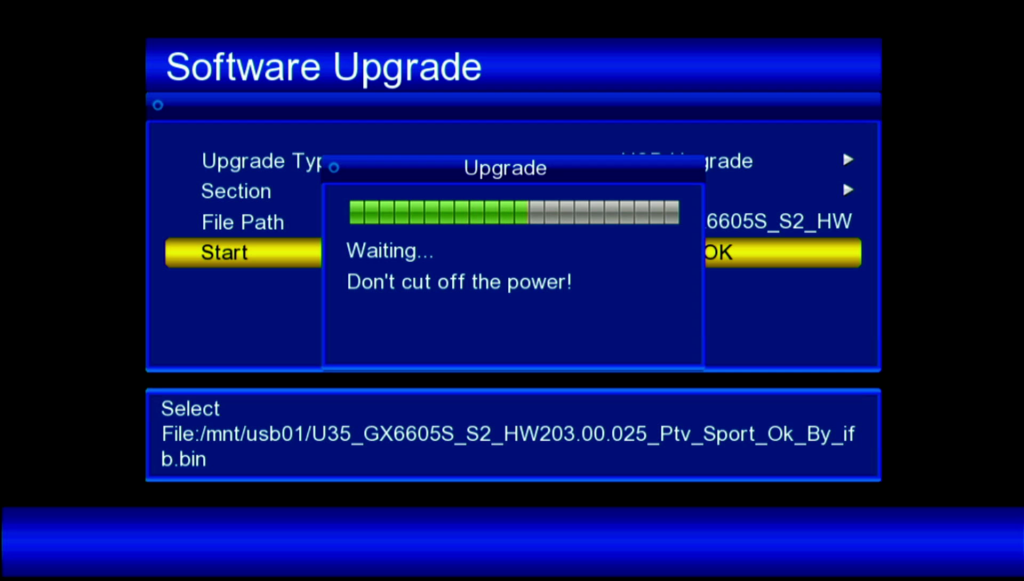
How to Upgrade GX6605S Software Using USB
Step 1: Download the correct firmware file to your computer.
Step 2: Prepare a compatible USB drive and copy the firmware file according to the supplied instructions.
Step 3: Connect the USB drive to your receiver.
Step 4: Open the receiver’s Upgrade or USB Upgrade menu.
Step 5: Select the correct firmware file after confirming compatibility.
Step 6: Start the upgrade and wait until the process finishes. Do not switch off the receiver during installation.
Step 7: Allow the receiver to restart and check the software version and receiver functions.
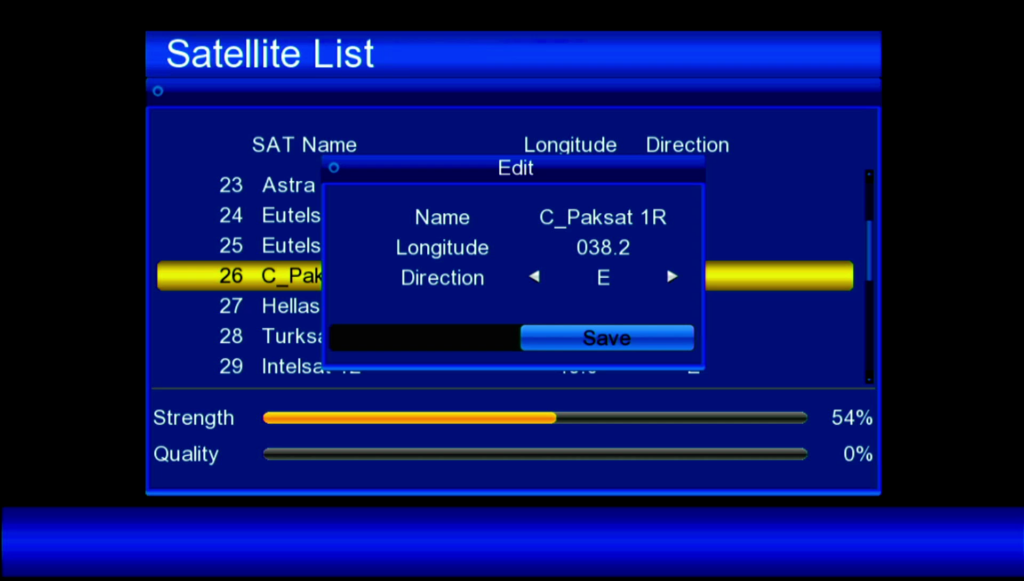
after software Satellite longitude change 038.2 and save
Important: Menu names and installation steps may differ between receiver models. Follow the instructions supplied with your firmware file.
- Ali3510c Software
- Biss Key Software
- Downgrad Software
- F1F2 Software
- Gx6605s 5815 V4.1 Software
- GX6605S Software
- Satellite Receivers
- Tutorials
- Uncategorized
- Videocon Software
Important Precautions
Important Instructions Before Upgrading
Follow applicable broadcasting laws and service-provider requirements.
Check the exact receiver board number.
Confirm that the software supports your hardware version.
Back up your channel list and settings if possible.
Do not disconnect power during the upgrade.
Avoid installing firmware from unknown sources.
Do not use software intended for a different receiver board.
Frequently Asked Questions
Frequently Asked Questions (FAQs)
Q1. Which receiver supports this software?
It is intended for compatible GX6605S F1/F2 receivers using the GX6605S-S18069-V1 board.
Q2. Does it support PTV Sports BISS keys?
The software is advertised for BISS key-related functionality, but the actual support should be confirmed from the firmware release.
Q3. Can I install it on every GX6605S receiver?
No. Different receiver boards may require different firmware files.
Q4. Which remote control is compatible?
A compatible F1/F2 remote control is specified. Verify the remote type for your exact receiver.
Q5. What should I do if my receiver does not start?
Do not install random firmware files. Check the original board details and obtain the correct recovery instructions for your receiver.
Download Software
Download GX6605S HW203.00.025 Software 2026
Software Name: GX6605S HW203.00.025
Receiver: GX6605S F1/F2
Board Type: GX6605S-S18069-V1
Software Feature: PTV Sports BISS Key-related support
Download Software: Hw203.00.025
Before installing, confirm that the firmware matches your receiver’s board and hardware version.
Conclusion
Conclusion
GX6605S HW203.00.025 PTV Sports BISS Key New Software 2026 is intended for compatible GX6605S F1/F2 satellite receivers with the GX6605S-S18069-V1 board.
Always check your receiver information before installing new software to avoid compatibility issues.
For more satellite receiver software, firmware updates, and technical guides, keep visiting IrfanFixer.com.
Thank you for visiting our website. Share this post with other receiver users and leave your feedback in the comments.

Discussion