
![Gx6605s Hw.203.00.999 | New Biss Key update Ptvsports Software By USB Upgrade | Irfan Fixer]](https://irfanfixer.com/wp-content/uploads/2026/07/1784052762327.webp)
Gx6605s Hw.203.00.999 | New Biss Key update Ptvsports Software By USB Upgrade | Irfan Fixer]
Welcome to Irfan Fixer!
In this Post, I will show you how to update your satellite receiver (Gx6605s Hardware Version 203.00.999) to get the latest Biss Key update for PTV Sports. We will cover the step-by-step process of upgrading the software via USB.
In this Post you will learn:
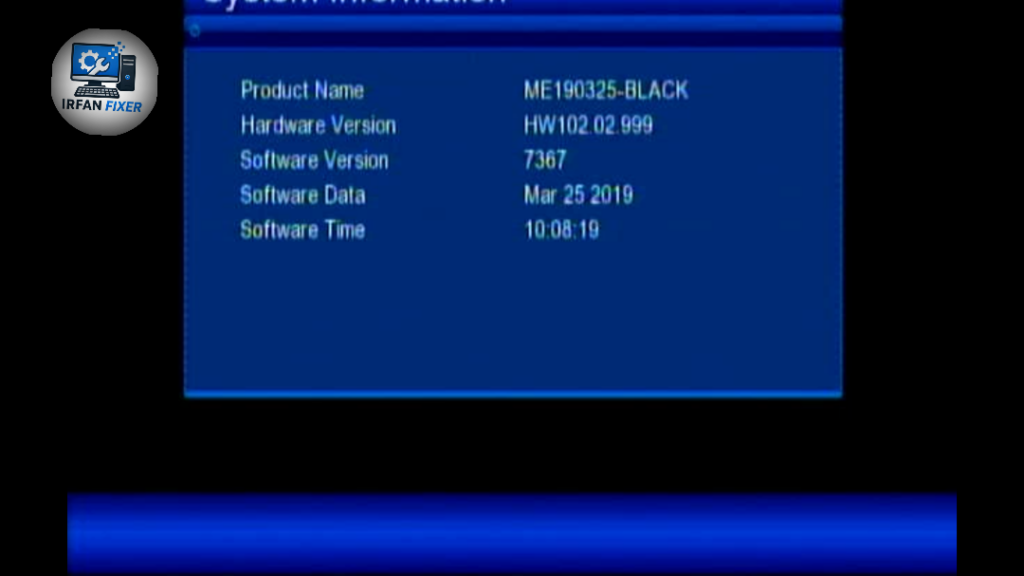
How to check your hardware version (HW 203.00.999).
How to perform a software upgrade using a USB flash drive.
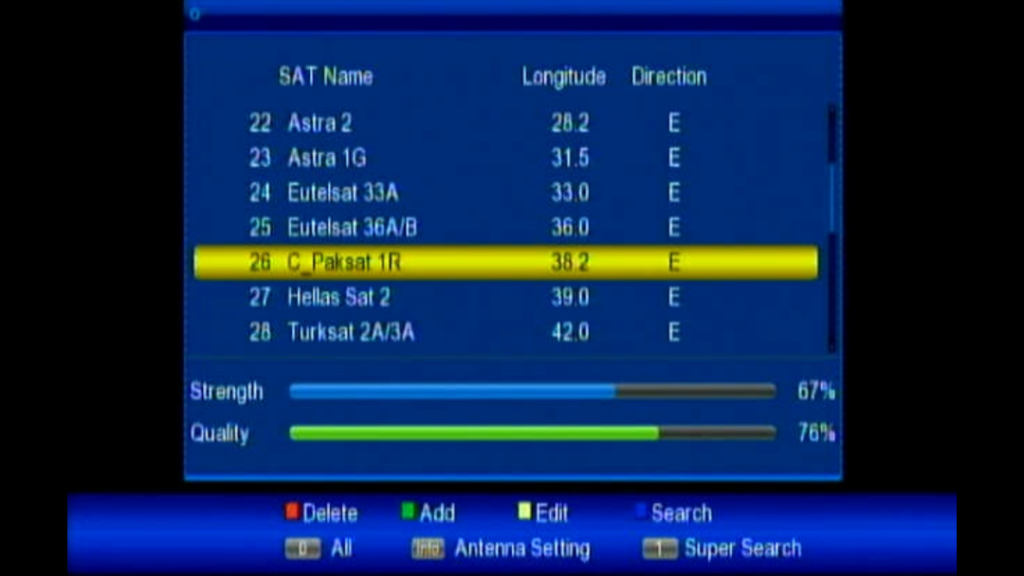
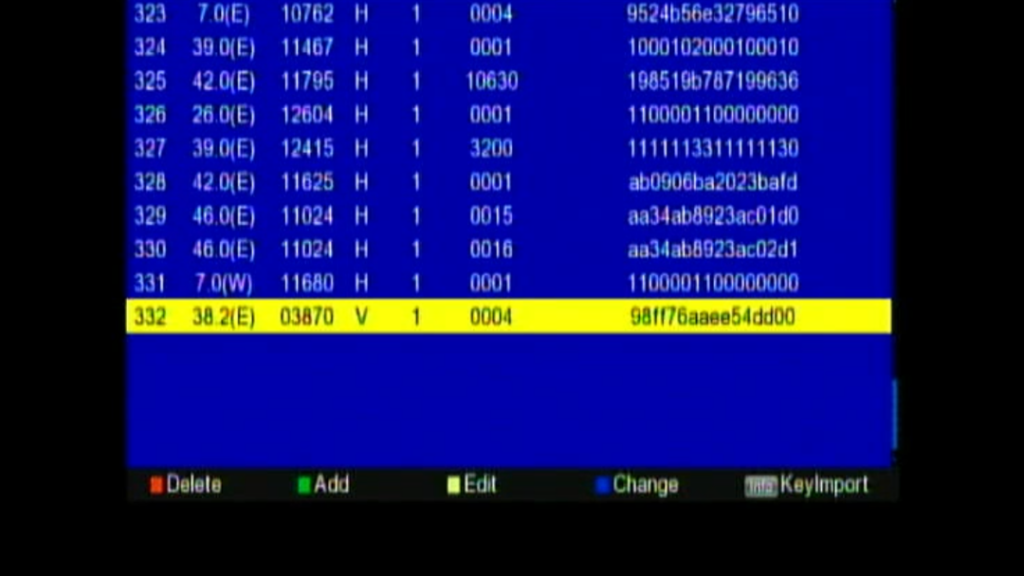
How to fix PTV Sports signal/channel issues with the latest software.
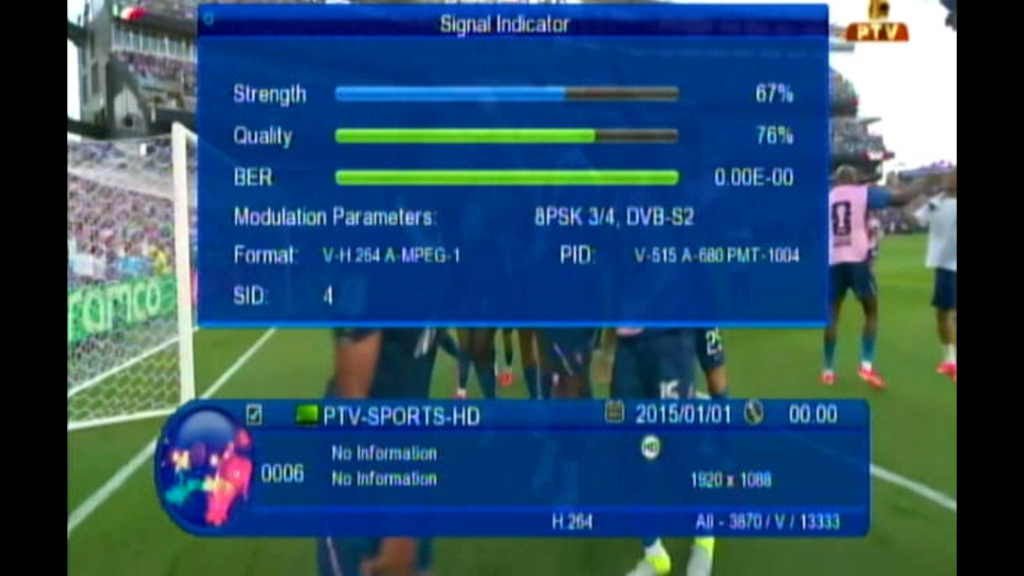
Steps to follow:
Download the compatible software file for your Hardware Version.
Copy the file to a formatted USB drive.
Insert the USB into your receiver.
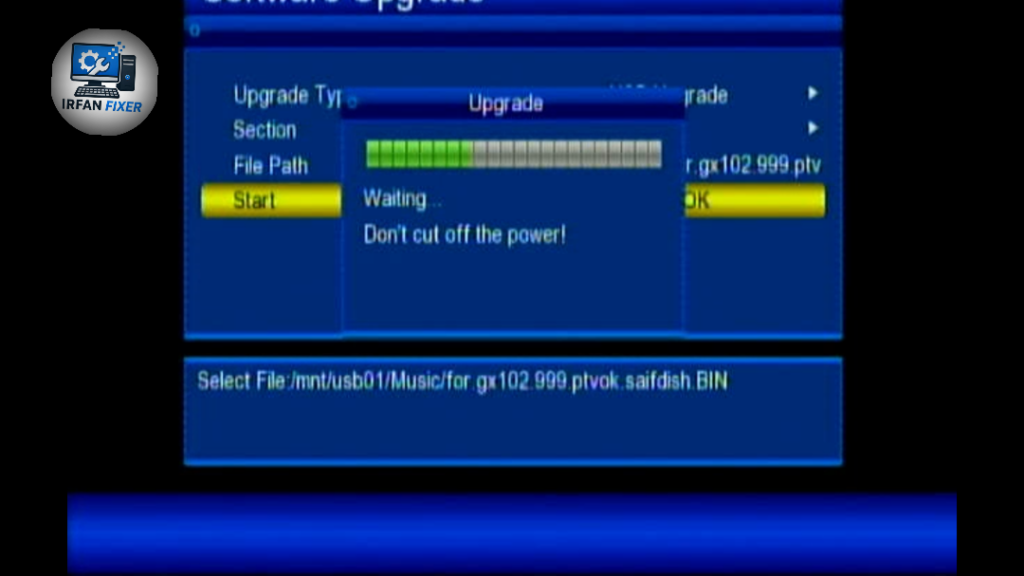
Go to Menu > Upgrade > USB Upgrade.
Select the file and start the process. Do not turn off your device during the upgrade!
If you find this video helpful, please Like, Share, and Subscribe to Irfan Fixer for more updates on satellite receiver software and technical fixes.

Discussion