
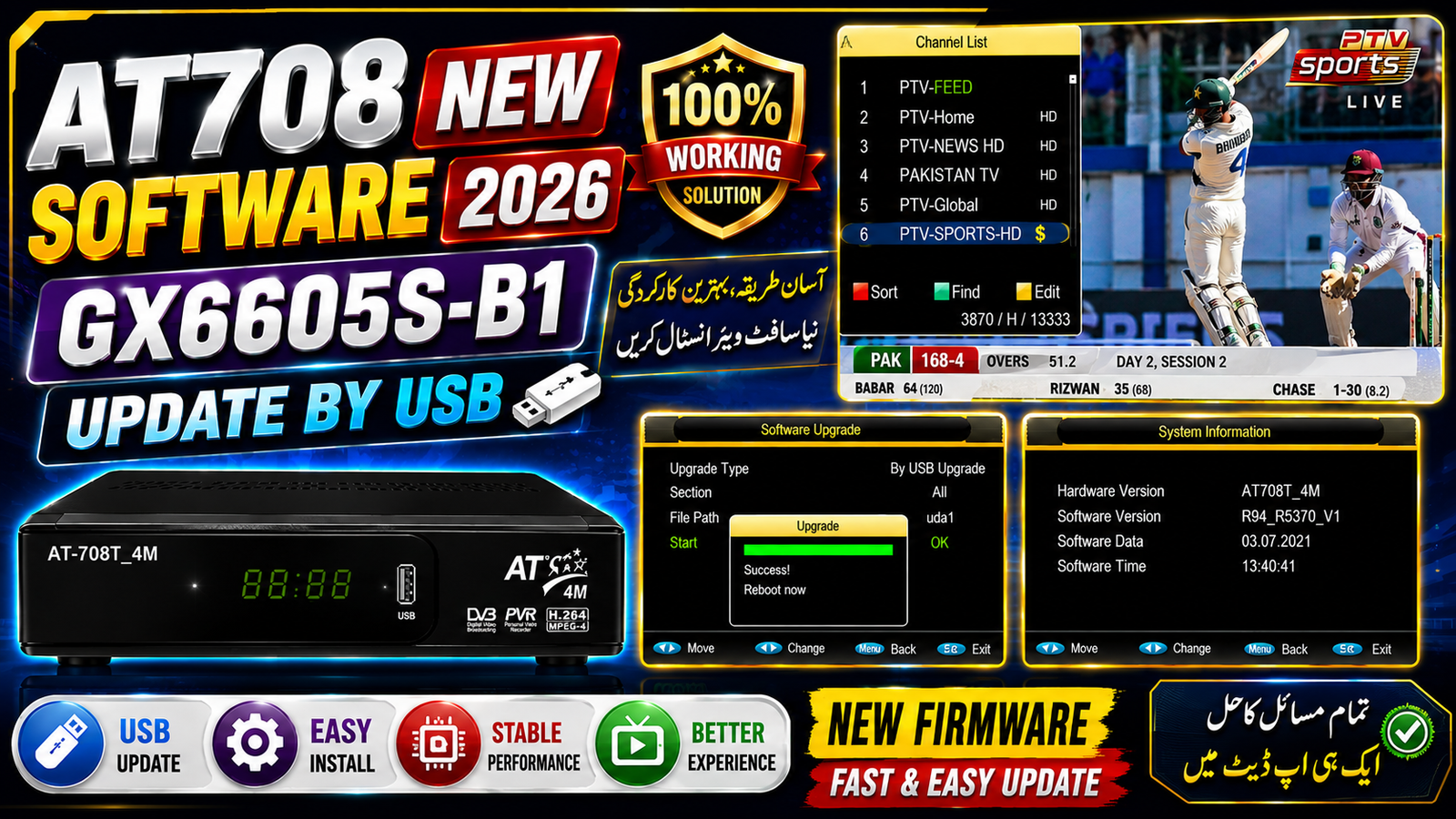
AT708 GX6605S-B1 New Software Update
Good news for AT708T_4M / GX6605S-B1 receiver users. A new software update is available for this receiver, and the software can be upgraded through USB.
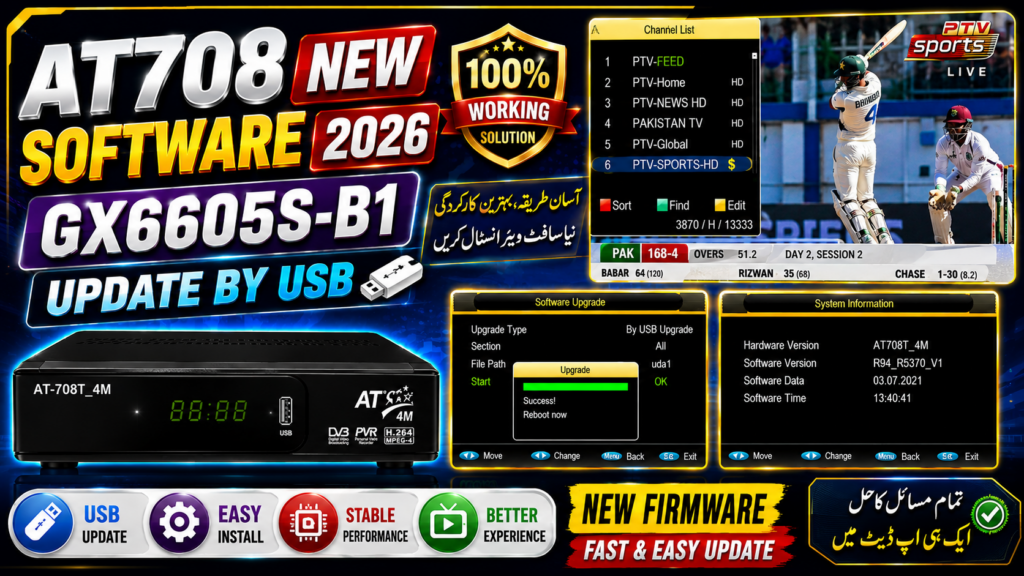
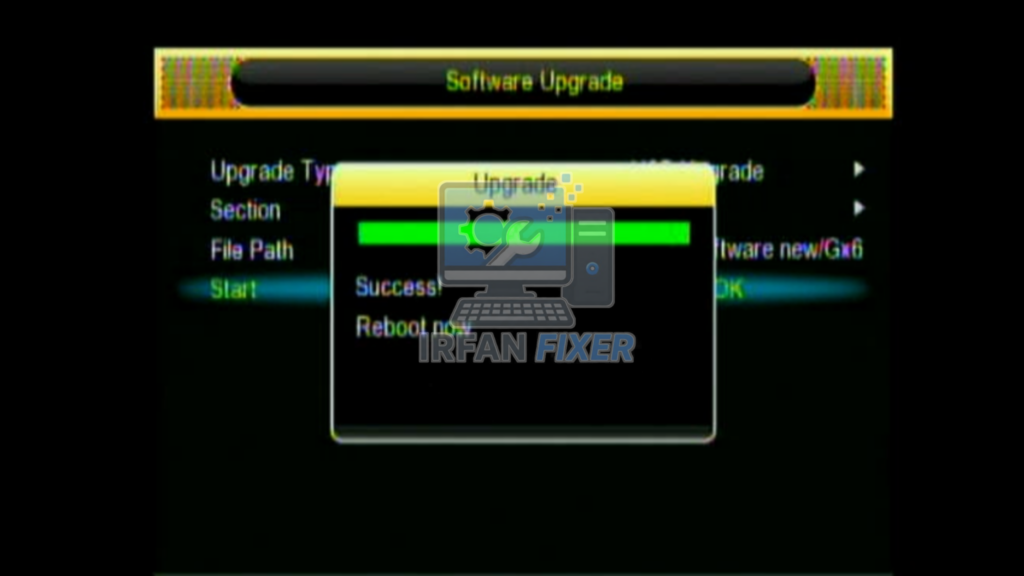
The provided screenshots show the Software Upgrade menu with the upgrade completed successfully. After the upgrade, the receiver displays “Success! Reboot now”, confirming that the software installation has been completed.
PTV Sports Channel Working
The channel list shown in the screenshot includes PTV-SPORTS-HD. After updating the receiver software, PTV Sports is shown in the channel list and the channel is working in the provided test.
System Information
According to the provided screenshot:
Hardware Version: AT708T_4M
Software Version: R94_R5370_V1
Software Date: 03.07.2021
Upgrade Method: USB Upgrade
Channel: PTV-SPORTS-HD
F
Howt to Update AT708 Software by USB
Copy the correct software file to a USB drive.
Connect the USB drive to the AT708 receiver.
Open the Software Upgrade menu.
Select USB Upgrade.
Select the software file and start the upgrade.
Wait for the upgrade to complete.
When “Success! Reboot now” appears, restart the receiver.
Check the System Information and scan/check the channels.
Important: Always confirm the receiver’s hardw tare version before installing the software. Do not switch off the receiver during the upgrade process.
it

Discussion